
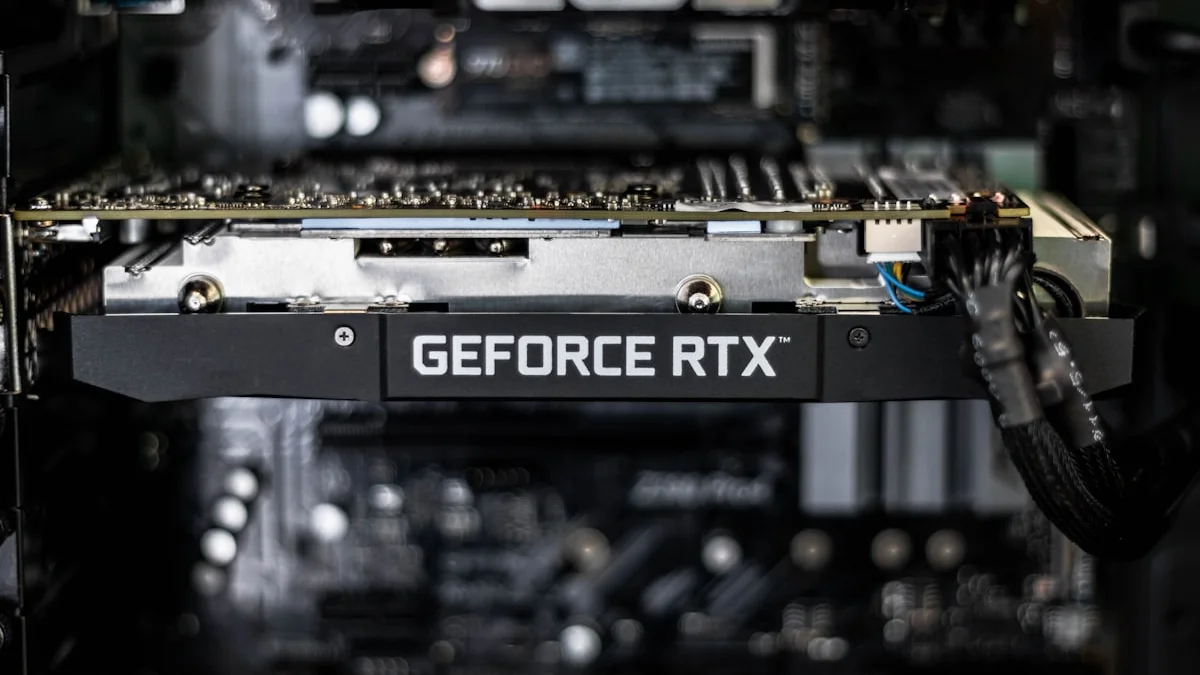
Picking a graphics card used to be a fairly simple exercise of setting a budget and buying the fastest card that fit inside it. In 2026 that calculus has gotten more complicated. Memory chip shortages driven by AI data center demand have pushed GDDR6 and GDDR7 prices up sharply over the past year, and both Nvidia and AMD have passed some of that cost along to buyers, so the “sweet spot” price bracket has crept higher than it was even twelve months ago. The good news is that the fundamentals of choosing the right card for your needs haven’t changed, and once you understand how to match a GPU tier to your actual usage, the shopping process gets a lot less stressful.
Start With Your Resolution and Target Framerate, Not the Model Name
The single biggest mistake buyers make is shopping by GPU name recognition rather than by what they actually need the card to do. If you’re gaming at 1080p, even a mid-range current-generation card is capable of pushing high framerates in the vast majority of titles, and spending up into flagship territory is money that would be better spent on a faster CPU, more RAM, or a better monitor. At 1440p, which has become the mainstream sweet spot for enthusiast gaming, you want a card a tier or two up from entry level to comfortably sustain 100-plus frames per second with detail settings turned up. At 4K, you’re in flagship or near-flagship territory almost by definition, particularly if you want to run games without leaning heavily on upscaling. Nvidia’s RTX 50-series (Blackwell) lineup spans from the RTX 5050 and 5060 at the budget end through the 5070 and 5070 Ti in the mid-to-upper range, up to the 5080 and 5090 for enthusiasts, while AMD’s RDNA 4-based Radeon RX 9000 series covers similar ground with the RX 9060 and 9060 XT at the value end and the RX 9070 and 9070 XT competing higher up. Map your monitor’s resolution and refresh rate to the appropriate tier first, then let budget narrow the choice within that tier.
VRAM Is No Longer a Minor Spec
Video memory capacity has become one of the most important, and most argued-about, specs on any modern graphics card. Game texture packs, high-resolution shadow and lighting data, and increasingly demanding ray-traced effects all eat into VRAM, and running out of it mid-game causes stuttering and texture pop-in even on a GPU that otherwise has plenty of raw horsepower. As a rough guideline, 8GB is now genuinely limiting for anything beyond 1080p at moderate settings, 12GB is a reasonable floor for 1440p gaming with some headroom for future titles, and 16GB or more is worth prioritizing if you’re building a system you want to keep for four or five years, especially at 4K. Because memory chip costs have risen industry-wide, some budget and mid-range cards ship with tighter VRAM allocations than buyers might expect for the price, so it’s worth checking the exact configuration of a card rather than assuming a given model name always comes with the same memory amount.
Ray Tracing and Upscaling Are Now Core Features, Not Gimmicks
Ray tracing has matured from a novelty into a standard feature of most major game engines, and both Nvidia and AMD have built dedicated hardware to accelerate it. That said, ray tracing performance still varies enormously between GPU tiers, and turning on the heaviest ray-traced effects, like full path tracing, remains genuinely demanding even on high-end cards. This is where upscaling technology has become essential rather than optional. Nvidia’s DLSS, now in its fourth major generation with multi-frame generation, and AMD’s FSR upscaling both let a GPU render at a lower internal resolution and reconstruct a sharper, higher-resolution image with minimal visual compromise, which effectively buys back framerate that ray tracing or 4K rendering would otherwise cost you. When comparing cards, don’t just look at native rendering benchmarks; look at how well a card’s upscaling and frame generation stack performs, because for most gamers that’s the difference between a smooth experience and a frustrating one at higher settings.
Understanding Today’s Pricing Pressure
If GPU prices feel less friendly than they used to be, that’s not just a perception. A shortage of DRAM and GDDR memory chips, driven largely by manufacturers redirecting production capacity toward high-bandwidth memory for AI servers, has squeezed the supply of the memory that goes into consumer graphics cards. Both major GPU vendors have raised prices on parts of their lineups over the past year as a result, and some previously affordable cards have become harder to find at their original launch pricing. The practical takeaway is that waiting indefinitely for prices to drop back to older levels may not pay off in the near term, since supply-chain analysts don’t expect meaningful relief until the memory market rebalances. If you need a card now, focus on getting the best value within the current market rather than trying to time a return to old pricing.
Don’t Forget the Rest of the System
A graphics card doesn’t operate in isolation, and pairing a powerful GPU with a bottlenecked CPU, insufficient RAM, or an underpowered power supply will leave real performance on the table. Before finalizing a GPU purchase, check that your processor won’t hold the card back at your target resolution, that your power supply has adequate wattage and the correct connectors for the card’s power draw, and that your case has enough physical clearance and airflow to keep a larger, more power-hungry card cool. It’s also worth checking your motherboard’s PCIe slot generation and physical card length limits, since flagship cards have grown considerably larger over the past few generations.
Buying Smart in the Current Market
The healthiest approach to GPU shopping in 2026 is to define your actual needs first: resolution, refresh rate, and how long you want the card to last before upgrading again. From there, set a realistic budget that accounts for current pricing rather than nostalgia for previous generations, prioritize VRAM if you plan to keep the card for years, and weigh upscaling and ray-tracing performance alongside raw rasterization benchmarks. A card that’s slightly less powerful on paper but has a mature, well-supported upscaling stack and adequate memory will often deliver a better real-world experience than a marginally faster card that’s compromised on either front. Buy for the games and resolution you actually use, not for a spec sheet.