
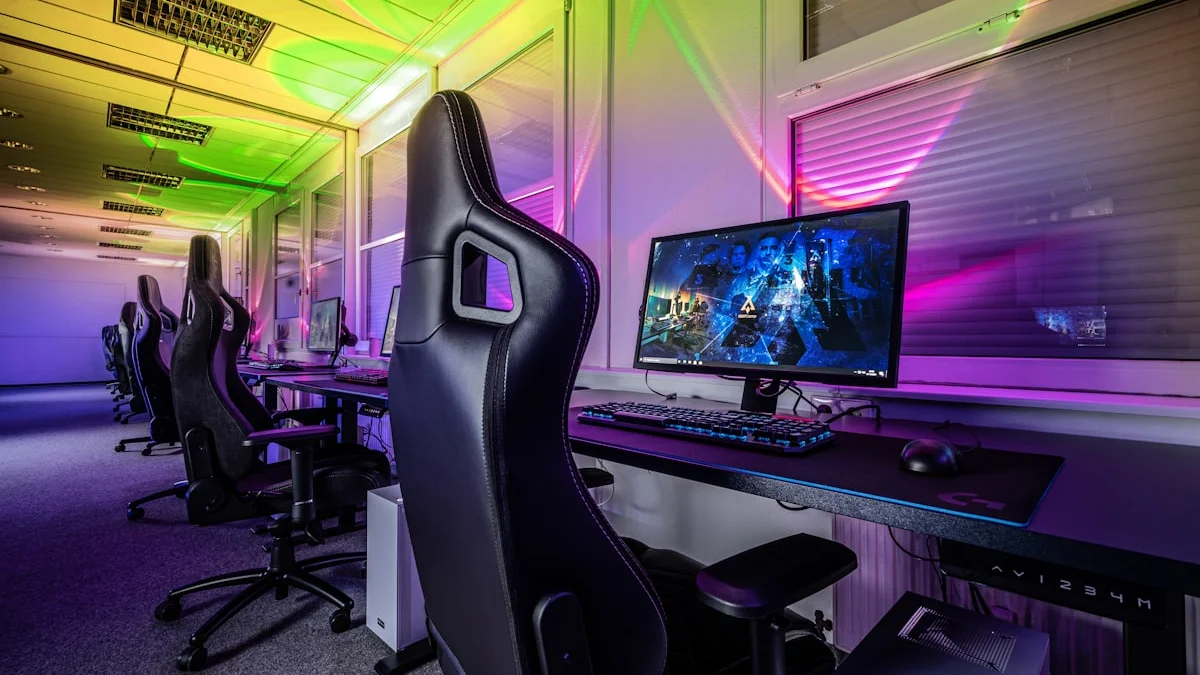
Building a gaming setup on a tight budget doesn’t mean settling for a bad experience. It means being deliberate about where your money actually improves what you see and feel on screen, and where it’s just paying for a logo or a spec sheet number that won’t change your games. In 2026, budget hardware is genuinely good. Entry-level GPUs like the RTX 5050 and RTX 5060, along with AMD’s RX 9000-series budget cards, can comfortably run modern titles at 1080p or even 1440p with the right settings. The challenge isn’t finding capable cheap hardware anymore, it’s resisting the urge to spread your budget too thin across parts that don’t matter as much as you think.
Where Your Money Actually Matters: GPU First, Everything Else Second
If you’re gaming, the graphics card is the single component that most directly determines how good your experience feels. It controls your frame rate, your ability to run modern titles at reasonable settings, and how long your setup stays relevant before you need to upgrade again. A common budget mistake is buying a slightly better CPU or a flashier motherboard while pairing it with a weak or previous-generation GPU, which leaves real performance on the table. If you have to choose between a marginally faster processor and a meaningfully better graphics card, the GPU almost always wins for gaming-specific performance. That said, you don’t need to chase the newest flagship. A current mid-range or budget-tier card from Nvidia or AMD will outperform last year’s high-end card in efficiency and features like upscaling, and it will cost considerably less.
The Monitor Trap: Why a Cheap High-Refresh Screen Beats an Expensive 4K One
It’s tempting to think a bigger resolution number automatically means a better experience, but on a budget build this is usually backwards. A budget GPU paired with a 4K monitor will struggle to hit playable frame rates in demanding games, forcing you to drop settings so low that the extra resolution barely matters. A 1080p or 1440p monitor with a 144Hz or higher refresh rate will actually let your GPU stretch its legs, producing smoother, more responsive gameplay that you’ll notice far more than extra pixel density. Refresh rate and response time make competitive and fast-paced games feel dramatically better, while resolution mostly affects sharpness and immersion. For a budget setup, prioritize a monitor that matches what your GPU can realistically push rather than one that outpaces it.
Peripherals: Where It’s Genuinely Fine to Spend Less
Keyboards, mice, and headsets are the components where budget shoppers can save the most money with the least regret. A $30 to $50 mouse with a good sensor and comfortable shape will perform essentially identically to a $150 one for the vast majority of players, since sensor accuracy has become excellent even in inexpensive models. The same logic applies to keyboards, where membrane and budget mechanical options are perfectly capable for both typing and gaming. Headsets are a little more nuanced because audio quality does vary more noticeably, but even here, a mid-tier wired headset in the $40 to $70 range will sound very close to premium options for actual gameplay purposes like footstep positioning and dialogue clarity. Save the splurge money for later, once you’ve lived with your setup and know what you actually want to upgrade.
The Case, PSU, and Cooling: Don’t Cut Corners Here
While peripherals are a safe place to save, the power supply and case cooling are not. A cheap, poorly certified power supply is a genuine risk to the rest of your components, since a failure can take other parts down with it. Spend a little extra to get a unit from a reputable brand with at least an 80 Plus Bronze certification, sized appropriately for your GPU rather than wildly oversized. Similarly, a case with decent airflow, even a budget one with a mesh front panel and a couple of stock fans, will keep your components running cooler and quieter than a sealed, style-first case that traps heat. Overheating components throttle their performance, which quietly erodes the value of the GPU you just spent your budget on.
Common Budget-Setup Mistakes That Waste Money
The most common mistake is buying piecemeal without a plan, picking up a great deal on a component that doesn’t actually match the rest of the build, like an overpowered CPU paired with a weak GPU, or a high-refresh monitor connected to hardware that can’t push enough frames to use it. Another frequent misstep is ignoring storage until the last moment and ending up with a small, slow drive that makes game load times and installs frustrating; a single decent NVMe SSD is inexpensive now and makes a bigger day-to-day difference than people expect. Buying secondhand can be smart for cases, monitors, and peripherals, but it’s riskier for GPUs and power supplies where hidden wear or damage isn’t visible. Finally, chasing RGB lighting, tempered glass panels, and other purely cosmetic upgrades before your core performance components are solid is a classic way to blow a budget on things that don’t affect gameplay at all.
Putting It Together: A Sensible Budget Allocation
As a general rule of thumb, a healthy budget build puts roughly 30 to 35 percent of total spending into the GPU, another 15 to 20 percent into the CPU and motherboard combined, about 10 to 15 percent into RAM and storage, and the remainder split between a reliable power supply, a well-ventilated case, and a monitor that matches your GPU’s realistic output. Peripherals can usually be handled with whatever is left over, since they’re the easiest and cheapest category to upgrade individually down the line. The goal isn’t to have the flashiest spec sheet, it’s to build a setup where every dollar is contributing to the actual experience of playing games, and that discipline is what separates a smart budget build from an expensive collection of mismatched parts.