
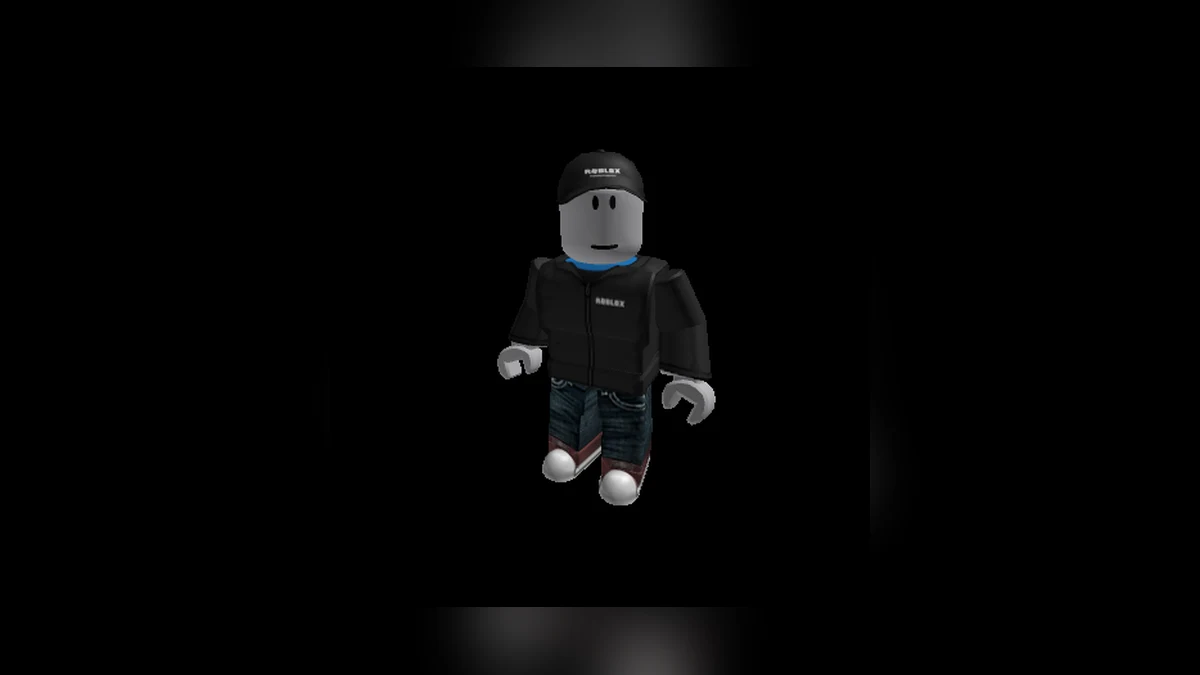
Roblox isn’t really one game — it’s a platform hosting millions of them, built by a community of creators rather than a single studio. That’s exactly what makes it confusing the first time you open it. There’s no obvious “start here” button, no single objective, and no shortage of tabs, currencies, and settings competing for your attention. This guide strips all that away and walks you through exactly what to do in your first hour on Roblox, from creating an account to picking your first experience and locking down the basics of your safety.
If you want the bigger picture on how Roblox works as a platform, our complete Roblox guide covers the full ecosystem in depth. Consider this article your fast-start companion to it.
Creating Your Roblox Account
Signing up is free and takes only a couple of minutes, whether you’re on a browser, the mobile app, or a console.
- Go to roblox.com (or open the Roblox app) and select Sign Up.
- Enter your birthday. Roblox uses this to route you into the correct experience — younger players get a more restricted, curated version of the platform automatically.
- Choose a username. Pick something that doesn’t include personal information like your real name, school, or location; Roblox will suggest alternatives if your first choice is taken.
- Create a password and finish account creation.
- Add and verify an email address (or phone number) afterward. This step isn’t always required up front, but it’s essential — it’s how you recover your account if you’re ever locked out, and it unlocks account security features you’ll want later.
One thing worth knowing before you even sign up: Roblox has moved to mandatory age verification for chat access. Depending on your birthdate, you may eventually be prompted to complete a quick facial age estimation scan to confirm your age bracket before you can use text or voice chat with people outside your friends list. It’s quick, the video isn’t kept afterward, and it exists to keep chat grouped by roughly similar age ranges. We break this down in detail in our Roblox parental controls and safety guide, which is worth a read whether you’re a parent setting this up for a child or an adult player curious why you’re being asked to verify.
A Note for Parents Setting Up an Account for a Child
If you’re creating an account for a younger player, do it together. Roblox now offers age-based account types — a heavily curated experience for younger kids and a moderately filtered one for young teens — and linking your own parent account through Family Pairing at signup saves you from having to retrofit safety settings later.
Navigating the Platform
Once you’re logged in, the interface is organized around a few core tabs:
- Home — a personalized feed of experiences based on what you and your friends play.
- Discover — browse by genre, popularity, or new releases. This is the best place to find something outside your usual habits.
- Charts — see what’s currently trending by concurrent player count, a genuinely useful signal for finding experiences that are active right now rather than abandoned.
- Avatar — where you build and customize your in-game identity.
- Friends / Chat — manage your friends list and message people you’re connected with.
On desktop, these live in the left-hand sidebar. On mobile, they’re arranged along the bottom of the screen, with Avatar typically sitting front and center.
Setting Up and Customizing Your Avatar
Your avatar is your face on Roblox, and it’s genuinely worth spending ten minutes on before you dive into experiences.
To customize it: open the Avatar tab, then select Customize. From there you can adjust body type (classic blocky R6, the more proportioned R15, or newer rig styles depending on what an experience supports), skin tone, face, hair, and clothing. The Catalog holds thousands of items — some free, many purchasable with Robux, Roblox’s virtual currency.
You don’t need to spend anything to get started. Roblox regularly rotates free items into the catalog, and plenty of experiences let you unlock cosmetics just by playing. If you do want to buy items, our Robux guide explains how the currency actually works, what things cost, and how to avoid the scams that specifically target new players looking to customize their look.
A tip: save a couple of avatar looks as outfits (under the Avatar tab) so you can switch between them without rebuilding from scratch every time.
Finding and Joining Your First Experience
“Games” on Roblox are officially called experiences, and there are millions of them spanning nearly every genre imaginable — obstacle courses, tycoons, roleplay towns, horror games, sim games, and full RPGs.
To join one:
- Search or browse using Home, Discover, or Charts.
- Click on an experience’s thumbnail to see its page — player count, description, and any content warnings.
- Hit the green Play button.
- Wait for the server to load you in. Some popular experiences queue you into a specific server instance with your friends if they’re already playing.
If you’re not sure where to start, we’ve put together a running list of what’s genuinely worth playing right now, sorted by genre, in our best Roblox games 2026 guide. It’s a much faster way to find something good than scrolling Discover blindly.
Understanding Experience Ratings
Before joining something new, glance at its content maturity label. Roblox rates experiences as Minimal, Mild, Moderate, or Restricted based on things like violence, fear elements, and crude humor, and Restricted experiences are only accessible to users who’ve completed age verification as an adult. If you’re setting an account up for a younger player, this label — visible on every experience page — is the fastest way to sanity-check whether something is appropriate before they click Play.
Basic Safety Tips for New and Young Players
Roblox has serious safety infrastructure built in, but it only works if it’s actually configured. Here’s a quick-reference table of the settings worth checking in your first session.
| Setting | Where to Find It | Why It Matters |
|---|---|---|
| Who can message/chat with you | Settings > Privacy | Restrict to friends-only if you’re a younger player or new to the platform |
| Account Restrictions | Settings > Account Restrictions | Locks the account to curated, age-appropriate content and pre-set chat phrases |
| Two-Step Verification | Settings > Security | Adds a login code requirement, blocking most account takeover attempts |
| Spending controls | Settings > Billing / Family Pairing | Caps how much can be spent on Robux without parental approval |
| Who can see your profile info | Settings > Privacy | Keep real name, school, and location off your public profile |
A few habits that will keep you out of trouble regardless of age: never share your password with anyone, including people claiming to be Roblox staff (Roblox never asks for it); ignore any offer of “free Robux” — they’re all scams; and don’t click links sent by strangers in chat, even ones disguised as official Roblox pages.
Parents and guardians managing an account for a child should read our full parental controls and safety guide — it covers Family Pairing, the parental PIN, and spending limits in much more depth than we can fit here.
What to Do Once You’re Comfortable
After your first few sessions, a natural next step is exploring what Robux actually gets you, whether that’s cosmetic items, game passes inside specific experiences, or eventually building your own experience in Roblox Studio if you get curious about creating rather than just playing. Our Robux guide is the natural next stop, and our complete Roblox guide ties every piece of the platform — currency, safety, creation tools, and culture — together in one place.
Frequently Asked Questions
Q: Do I need to pay anything to start playing Roblox? No. Creating an account and playing the vast majority of experiences is completely free. Robux is optional and mainly used for cosmetics, extras, and certain experience features.
Q: What’s the difference between an “experience” and a “game” on Roblox? They mean the same thing in casual conversation, but Roblox officially calls user-created titles “experiences” since the platform hosts millions of them built by independent creators rather than a single studio.
Q: Can I change my avatar after I’ve set it up? Yes, as often as you like, for free. Only specific catalog items cost Robux — the customization process itself is unlimited and free to use.
Q: Why is Roblox asking me to verify my age before I can chat? Roblox introduced mandatory age checks for chat access to group communication by roughly similar age ranges and reduce contact between very different age groups. It uses a quick facial age estimation scan rather than requiring ID for most users.
Q: What should I do if a stranger asks for my password or personal information in-game? Never share it. Report and block the account through Roblox’s in-experience reporting tools. Roblox staff will never ask for your password through chat.
The Bottom Line
Getting started on Roblox is simple once you know where to look: create an account, spend a few minutes on your avatar, lock in a couple of safety settings, and pick an experience that matches what you actually enjoy. From here, the platform opens up fast. For the full picture on everything from Robux to safety to what’s worth playing, our complete Roblox guide is the best place to keep exploring.