
For years, the advice was simple: if you’re serious about gaming, go wired. Wireless meant lag, dropped inputs, and dead batteries at the worst possible moment. That advice is increasingly outdated. In 2026, the wireless technology inside most gaming peripherals has closed the gap so thoroughly that many professional esports players compete on wireless mice and keyboards without any measurable disadvantage. But not all wireless is created equal, and understanding the difference between the connection types on the market is the key to knowing when wireless is genuinely fine and when you should still reach for a cable.
The Latency Reality in 2026: 2.4GHz vs Bluetooth vs Wired
The wireless technology that matters for gaming is the proprietary 2.4GHz dongle connection used by nearly every serious gaming mouse, keyboard, and headset, not Bluetooth. Modern 2.4GHz wireless systems from brands across the market now achieve latency figures within a fraction of a millisecond of wired connections, a gap so small it’s essentially undetectable by human reaction time. Bluetooth is a different story. It’s convenient, power-efficient, and fine for productivity use, but its connection protocol introduces meaningfully more delay, often in the range of ten to thirty milliseconds, which is enough to be felt in fast-paced games even if you can’t consciously identify why something feels slightly off. The practical takeaway is straightforward: if you’re buying a wireless gaming peripheral, make sure it supports a 2.4GHz dongle mode and treat Bluetooth as a secondary, non-gaming convenience feature.
Does It Actually Matter for Competitive Play?
For the overwhelming majority of players, including many who consider themselves competitive, a quality 2.4GHz wireless mouse or keyboard will not be the reason they lose a match. Human reaction time sits well above 100 milliseconds, and the latency difference between a good wireless setup and a wired one is now measured in fractions of a millisecond, an order of magnitude below what’s perceivable. Where the distinction can still matter is at the very highest levels of competitive play, where professional players are optimizing every possible variable and a wired connection removes even the theoretical possibility of wireless interference in crowded RF environments like LAN events with hundreds of competing signals. For anyone playing ranked matches at home, in a normal household with a handful of wireless devices, this simply isn’t a real-world concern anymore.
Battery Life and the Charging Question
The genuine tradeoff with wireless peripherals isn’t latency anymore, it’s battery management. A wireless gaming mouse might run anywhere from 30 to 70 hours on a charge depending on lighting effects and polling rate, while wireless keyboards, which draw more power due to their larger size and per-key lighting in some models, often need charging more frequently. The annoyance isn’t the charging itself so much as the risk of running out mid-session, which is why many players who go wireless still keep a charging cable nearby and either top up during breaks or use a mouse with a low-latency wired charging mode as a backup. Headsets present their own battery considerations too, generally lasting a full day of use but requiring more attention than a set-it-and-forget-it wired pair.
Mice vs Keyboards vs Headsets: Different Rules Apply
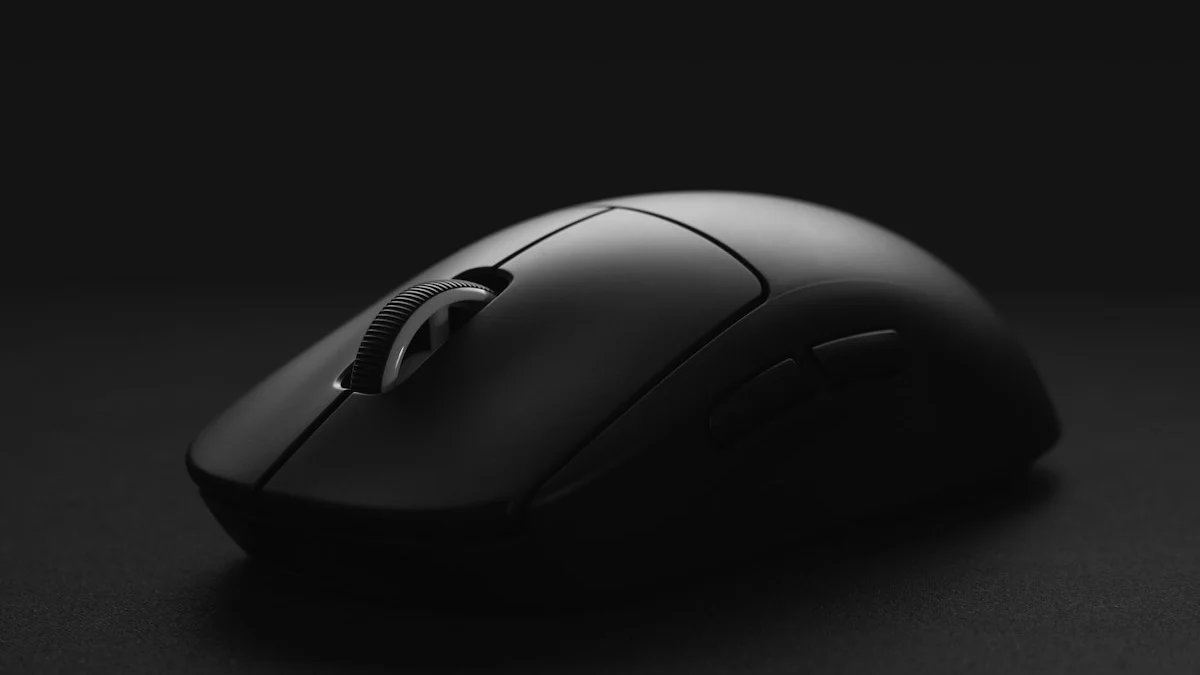
These three categories don’t behave identically when it comes to the wired-versus-wireless decision. Mice have benefited the most from wireless advances, since modern wireless gaming mice are often lighter than their wired counterparts because manufacturers have gotten very good at battery and antenna miniaturization, meaning you’re not even giving up the weight advantage anymore. Keyboards are a bit more mixed, since full-size wireless mechanical keyboards can be heavier and pricier than wired equivalents, though the actual input latency is just as good when using the 2.4GHz mode. Headsets are the category where wireless has always made the most practical sense, since nobody wants a cable running to their head, and audio latency over 2.4GHz wireless is essentially a solved problem, with sync issues between audio and video being extremely rare on modern hardware.
When Wireless Is Genuinely the Better Choice
If you value a clean desk, want to move your mouse without a cable catching on other gear, or simply prefer not to think about cable drag while gaming, a modern 2.4GHz wireless mouse is genuinely the better choice for nearly everyone in 2026, including most people who play competitively. The convenience benefits are real and the performance cost is effectively gone. Wireless keyboards make sense for players who want a tidier setup or who move their keyboard around frequently, though the weight and price premium mean plenty of people reasonably stick with wired for keyboards even while going wireless on their mouse. Headsets are close to a no-brainer for wireless unless you have a specific reason to avoid batteries altogether.
Signs You Should Still Go Wired
There are still a few scenarios where wired remains the more sensible default. If you’re on a tight budget, wired peripherals are almost always cheaper for comparable build quality and sensor performance, since you’re not paying for battery and radio components. If you’re traveling to LAN events or crowded gaming environments where RF interference from dozens of other wireless devices is a real factor, a wired connection eliminates that variable entirely. And if you simply forget to charge things or find battery anxiety more distracting than a cable, that’s a perfectly valid reason to stay wired, since the psychological comfort of never worrying about power is worth something too. Ultimately, the latency argument that used to settle this debate automatically in favor of wired no longer applies, so the decision comes down to personal preference, budget, and how much you value a cable-free desk.