
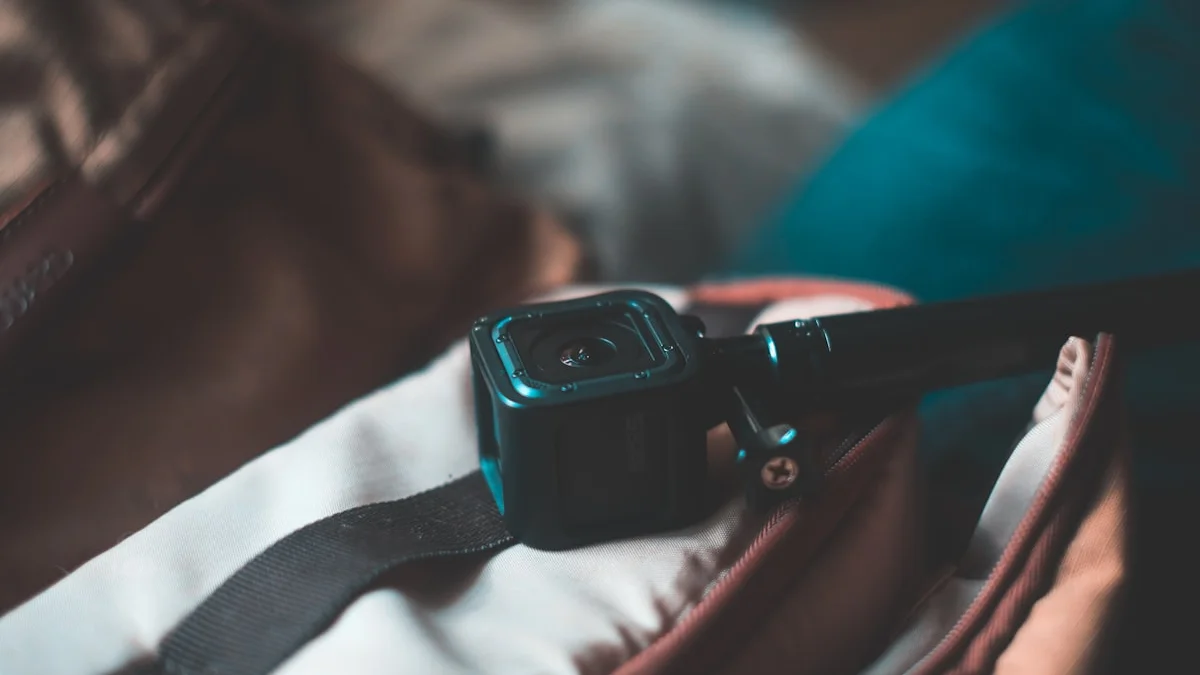
Not everyone who games or streams actually needs a webcam, and that’s worth saying up front before diving into specs. If you’re playing single-player games, streaming without a facecam, or just gaming with friends over voice chat, a webcam might be entirely unnecessary spending. But if you’re building a streaming presence, doing video calls with your squad, or want a facecam bubble in the corner of your stream, the right webcam makes a genuinely bigger difference to how professional your content looks than most people expect. The category has also shifted meaningfully in the last couple of years, with AI-assisted low-light processing and smarter auto-framing becoming standard even outside the premium tier.
Resolution and Framerate: What You Actually Need
It’s tempting to chase 4K because it sounds objectively better, but for most streaming and gaming use cases, a clean, well-exposed 1080p image at a smooth framerate will look better on stream than a noisy, poorly lit 4K one. That’s because your facecam is typically displayed as a small overlay in the corner of the screen, not full-frame, so the practical resolution advantage of 4K is often lost entirely at that display size. Framerate matters more than most people initially assume, since 30fps video can look noticeably choppy compared to 60fps, especially during quick head movements or hand gestures, and the difference is very noticeable to viewers even in a small facecam window. If you’re mainly using the webcam for video calls with teammates, 1080p at 30fps is genuinely plenty. If you’re streaming or recording content where the facecam is a real part of your presentation, aim for 1080p at 60fps as a sensible baseline, and only step up to 4K if you specifically plan to crop, zoom, or reframe the footage in post, which is where the extra resolution actually becomes useful rather than wasted.
Low-Light Performance Is the Real Differentiator
This is where webcams genuinely separate themselves from one another, and it’s arguably more important than the headline resolution number. Most rooms used for gaming are dimly lit by design, often with the main light source coming from monitors and RGB accessories rather than proper room lighting, and cheap webcam sensors struggle badly in those conditions, producing grainy, smeared, or overly dark footage. Better webcams use larger image sensors and wider apertures that let in more light without needing to boost the ISO into visibly noisy territory, and many current models include adaptive light sensors or HDR-style processing that automatically adjusts exposure in real time as lighting changes, which matters a lot if you play with dynamic in-game lighting reflecting on your face. If you game or stream primarily at night with minimal ambient lighting, low-light performance should be your single biggest deciding factor when comparing webcams, arguably more important than resolution, framerate, or price. A cheap ring light or small desk lamp aimed at your face can also do more for image quality than upgrading to a pricier webcam, so it’s worth solving lighting before assuming you need to spend more on the camera itself.
When a Phone Camera Actually Beats a Webcam
This might be the most underrated piece of advice in this entire category: for a lot of streamers, especially anyone just starting out, an old or spare smartphone can produce noticeably better video than a budget-to-midrange dedicated webcam. Modern phone camera sensors, even in phones a few years old, are simply larger and more capable than the sensors packed into most sub-$100 webcams, and phones handle low light, dynamic range, and autofocus more gracefully as a result. Using a phone as a webcam requires either a dedicated app that turns it into a USB or wireless capture device, or a capture card if you want to route the video through more traditional streaming software, which adds a small amount of setup complexity compared to plugging in a plug-and-play webcam. It also ties up a phone that you might want free for other things, and battery drain is a real consideration for wireless setups. But if you already own a reasonably modern phone you’re not using for anything else, and you’re trying to improve your video quality on a tight budget, testing it as a webcam before spending money on a new one is a genuinely smart move that a lot of people overlook.
What Streamers Specifically Should Prioritize
If you’re streaming regularly rather than just gaming casually with a facecam on for friends, a few factors matter more than they do for casual users. Field of view control matters if you plan to show your setup, hands, or physical reactions rather than just a tight headshot, so look for webcams with adjustable field of view rather than a fixed wide or narrow angle. Background handling matters too; some newer webcams include built-in background blur or removal processed on the camera itself, which is a meaningful advantage if your streaming PC is already under load running the game, encoding software, and overlays simultaneously, since offloading that processing to the camera frees up CPU and GPU headroom that would otherwise go toward stream quality. Auto-framing and tracking features, which keep you centered in frame as you move or lean, have gotten noticeably better and are genuinely useful for anyone who streams without a fixed camera position, though they’re a nice-to-have rather than essential. Finally, consider how the webcam integrates with your existing streaming software; most current models work fine as generic USB video devices, but ones with dedicated companion apps often expose more manual control over exposure, white balance, and framing, which matters if you like fine-tuning your image rather than relying entirely on auto settings.
Making the Call
If you’re a casual gamer who occasionally hops on video calls or shows your face briefly on stream, there’s a reasonable case for skipping a dedicated purchase entirely and using your laptop’s built-in camera, a basic budget webcam, or a spare phone, since the marginal quality gain from a premium camera won’t be very visible to your audience or worth the spend. If you’re serious about building a streaming presence where your face is a consistent part of the content, investing in a webcam with strong low-light performance and reliable 1080p60 or 4K output is a worthwhile upgrade that meaningfully improves production value, often more noticeably than upgrading your microphone or lighting alone. And if budget is tight but you own a decent phone, don’t discount it as a genuinely capable alternative until you’ve actually tested how it looks compared to what you’re currently using.