
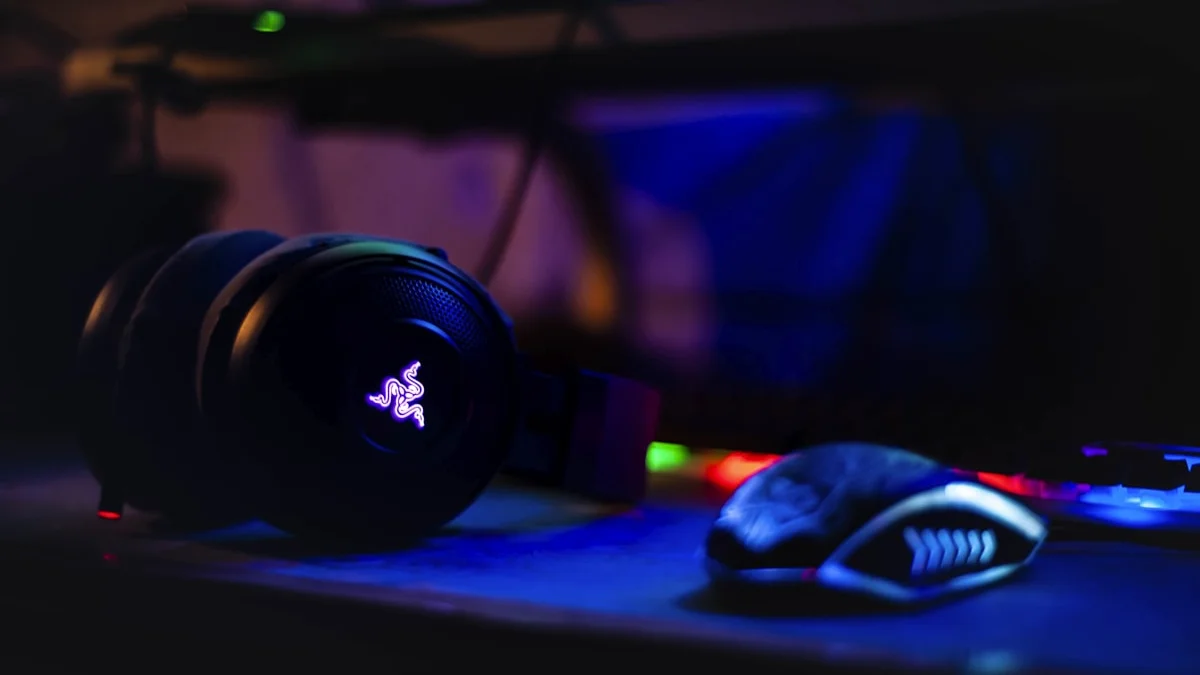
Gaming headsets get marketed almost entirely on flashy features, virtual surround sound modes, RGB lighting, and battery life claims, while the things that actually determine whether you’ll enjoy wearing one for a four-hour session get buried in the fine print. Sound quality, microphone clarity, and physical comfort are the three pillars that matter most, and thankfully all three have improved significantly across the price spectrum in recent years. The trick is knowing which of these to prioritize based on what you actually do, whether that’s competitive shooters, story-driven single-player games, or streaming to an audience.
Surround Sound vs Stereo: What You’re Actually Buying
Most gaming headsets use standard stereo drivers, meaning two physical speakers, one per ear, reproducing left and right audio channels. What’s usually marketed as “7.1 surround sound” on these headsets is a virtual, software-processed effect that manipulates stereo audio to simulate the sensation of sound coming from multiple directions. Done well, this virtual surround can genuinely help you place footsteps and gunfire directionally in competitive shooters, and most decent gaming headsets today implement it reasonably convincingly through companion software. That said, plenty of experienced competitive players actually prefer pure, high-quality stereo with no virtual processing layered on top, since well-tuned stereo drivers can deliver more accurate and less muddied positional cues than a poorly implemented surround algorithm. True object-based spatial audio, the kind that uses individualized head-related transfer function profiles to model how sound reaches your specific ears, has become more common in premium headsets and genuinely outperforms older virtual surround implementations, but it usually requires a bit of setup and calibration to get the full benefit. If positional accuracy in competitive games is your priority, don’t assume more surround processing automatically means better; a well-tuned stereo headset with a clean frequency response is often the safer bet.
Microphone Quality for Voice Chat and Streaming
The microphone is where a lot of budget headsets quietly cut corners, and it’s worth paying attention to if you regularly voice chat with teammates or stream to an audience. For casual voice chat, almost any headset mic marketed for gaming will be intelligible enough, since the bar for “good enough to call out enemy positions” is fairly low. Streaming and content creation raise that bar considerably, since your microphone is effectively part of your show and a thin, tinny, or noisy headset mic will be noticeable to viewers in a way it never would be to a teammate mid-match. Look for headsets with noise-cancelling or noise-gating microphone features, since these actively filter out keyboard clatter, fan noise, and room echo rather than just picking up everything indiscriminately. Detachable or retractable boom mics are also worth favoring over fixed ones, both because they let you tuck the mic away when you’re not using it and because detachable designs are often built to a higher standard than a mic that’s permanently fused to the headband. If streaming or content creation is a serious part of what you do, it’s worth knowing that even a very good headset mic will generally be outperformed by a dedicated standalone microphone, so treat the headset mic as a strong, convenient default rather than the ceiling of what’s possible.
Comfort Is a Bigger Deal Than It Gets Credit For
You can have the best-sounding headset on the market, but if it starts pinching your temples or making your ears sweat after ninety minutes, none of that matters. Clamping force, meaning how tightly the headband squeezes your head, is one of the most individual factors here; too loose and the headset slides around during movement, too tight and it becomes genuinely uncomfortable over a long session. Earcup material makes a real difference too. Memory foam wrapped in breathable fabric tends to stay comfortable longer than dense leatherette, which looks premium but traps heat and can leave ears feeling warm and damp during extended play, especially in summer. Weight matters as well, and it’s worth noting that a heavier headset with a well-designed, evenly distributing headband can actually feel more comfortable over time than a lighter one that concentrates pressure on a single point at the top of your head. If you can, try a headset on in a store before buying, and if that’s not possible, look for models with generous return windows and read comfort-specific feedback rather than just audio quality reviews, since comfort complaints tend to surface clearly in user reviews over time.
Wireless vs Wired: Fewer Tradeoffs Than There Used to Be
Wireless gaming headsets have made major strides, with proprietary low-latency 2.4GHz connections now delivering audio sync that’s effectively indistinguishable from wired for gaming purposes, and battery life on many models now stretching well past a full day of continuous use. The convenience of not being tethered to your PC or console, especially if you like to lean back, pace around, or grab a drink mid-session, is a genuine quality-of-life improvement that’s hard to go back from once you’re used to it. Wired headsets still hold a couple of advantages worth acknowledging: they’re generally cheaper for a given level of audio quality since there’s no battery or wireless chipset to pay for, and they eliminate any need to think about charging, which matters if you tend to forget. For competitive players, either option is genuinely fine at this point as long as you stick to a headset’s dedicated wireless dongle rather than Bluetooth, which still introduces more noticeable latency and is better suited to casual or single-player use than fast-paced competitive matches.
Open-Back vs Closed-Back: A Tradeoff Worth Understanding
This is one of the least understood distinctions in headset shopping, but it has a real impact on your listening experience. Closed-back headsets fully seal the earcup, which blocks outside noise and prevents your audio from leaking out to people nearby, making them the practical choice for shared spaces, streaming setups where a microphone might pick up leaking audio, or noisy environments where you want isolation. Open-back headsets use a perforated or mesh-backed earcup that lets air and sound pass through, which typically produces a more natural, spacious soundstage with better perceived depth and less of that closed-in pressure feeling, but at the cost of leaking sound to anyone nearby and offering no outside noise isolation at all. For most gamers, especially anyone streaming, living with roommates or family, or gaming in a shared room, closed-back is the more practical default. Open-back headsets are genuinely worth seeking out if you have a private, quiet space to game in and want the most immersive and natural-sounding experience for single-player or atmospheric games, but they’re a poor fit for competitive online play where isolating outside noise actually helps you focus.
Matching the Headset to How You Actually Use It
If competitive multiplayer is your main focus, prioritize accurate positional audio and a reliable low-latency wireless connection over flashy surround marketing, and lean toward closed-back designs for isolation. If you’re primarily a single-player or story-focused gamer, comfort and natural sound reproduction matter more than mic quality or ultra-low latency, and open-back designs become a much more reasonable option if your environment allows it. If streaming or content creation is central to what you do, weight the microphone and comfort categories most heavily, since you’ll likely be wearing the headset for hours at a stretch while talking constantly, and consider pairing a comfortable, closed-back headset with a separate microphone down the line rather than relying entirely on the headset mic to carry your audio.